
So you want to shop for a new sleeve, a privacy screen, or maybe your display just cracked and you need a replacement panel — and suddenly you realize you have no idea what size your laptop screen actually is. You’re not alone. With bezels getting thinner every year and screens getting taller instead of wider, that number on the box doesn’t always match what you’d guess just by looking at it.
How to Check Screen Size of Laptop in 2026
Here’s how to nail it down for good, using three different methods depend on what tools you have handy.
Method 1: Just Take a Tape Measure
This is the old-school way, and uptill now it’s still the most trustworthy one incase if your laptop won’t even turn on.
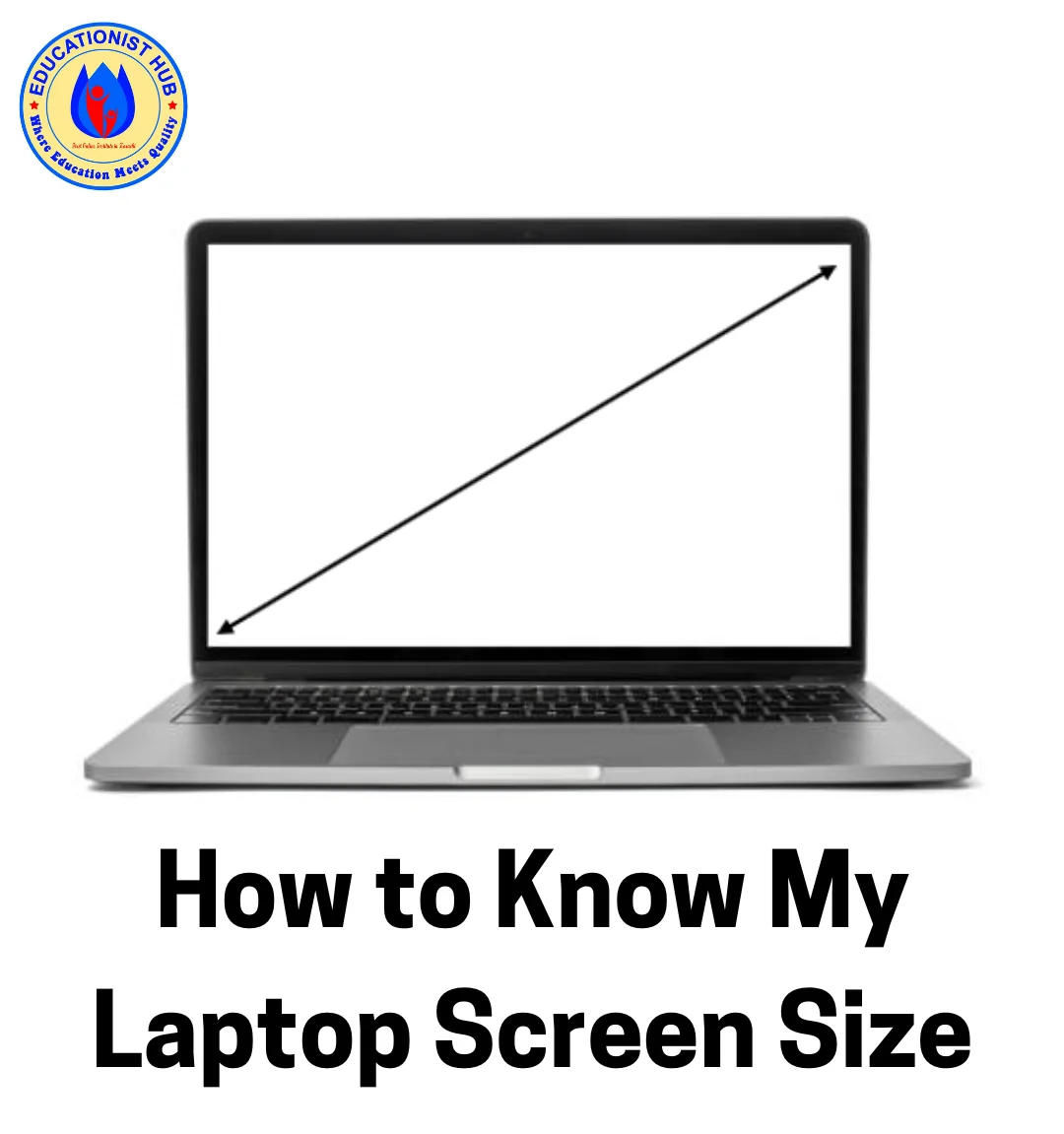
Take a ruler or measuring tape and place the zero mark at the bottom-left corner of the original display glass. Not the bezel, not the plastic edge around it — the screen itself. Stretch the tape diagonally to the top-right corner. Whatever number you land on is your screen size.
If you’re used to centimeters, just multiply the inches by 2.54. A 15.6-inch screen, for instance, comes out to roughly 39.6 cm.
One warning worth repeating: don’t measure the whole lid. A lot of people accidentally measure the metal or plastic housing instead of the glass, and end up with a number that’s an inch or two too big. That mistake gets expensive fast if you want to order a replacement part based on it.
Method 2: Let Your Computer Tell You
If you’d rather skip the ruler entirely, your operating system already knows the answer.
On Windows, press Windows key + R, type msinfo32, and hit Enter. This pulls up System Information, where you can find your exact model name under “System Model.” You can also check Device Manager under Display Adapters — click your adapter, then the Monitor tab. It’s a bit techy, but if you’d rather browse all your hardware details at once, it’s worth learning how to check your PC specs on Windows 11/10 properly, since screen size is just one piece of that puzzle.
One of the fastest trick is just flipping your laptop over, finding the sticker with the model or serial number, and typing that straight into Google. The manufacturer’s page will usually list your exact display size right there.
On a Mac, click the Apple logo, choose About This Mac, then System Report, then Displays. It’ll tell you the built-in screen size and resolution without any guesswork.
Method 3: Check the Manufacturer’s Spec Sheet
If you kept the box or the receipt, this is the easiest path of all. Skip third-party listings on marketplaces as they’re notorious for listing “compatible sizes” that turn out to be wrong. Go straight to Dell, HP, Lenovo, Asus, or whoever made your laptop, punch in your model number, and pull up the official spec sheet.
Why “Inches” Alone Doesn’t Tell the Whole Story Anymore
This is the part a lot of older guides skip entirely. In 2026, the inch measurement is only half the picture.
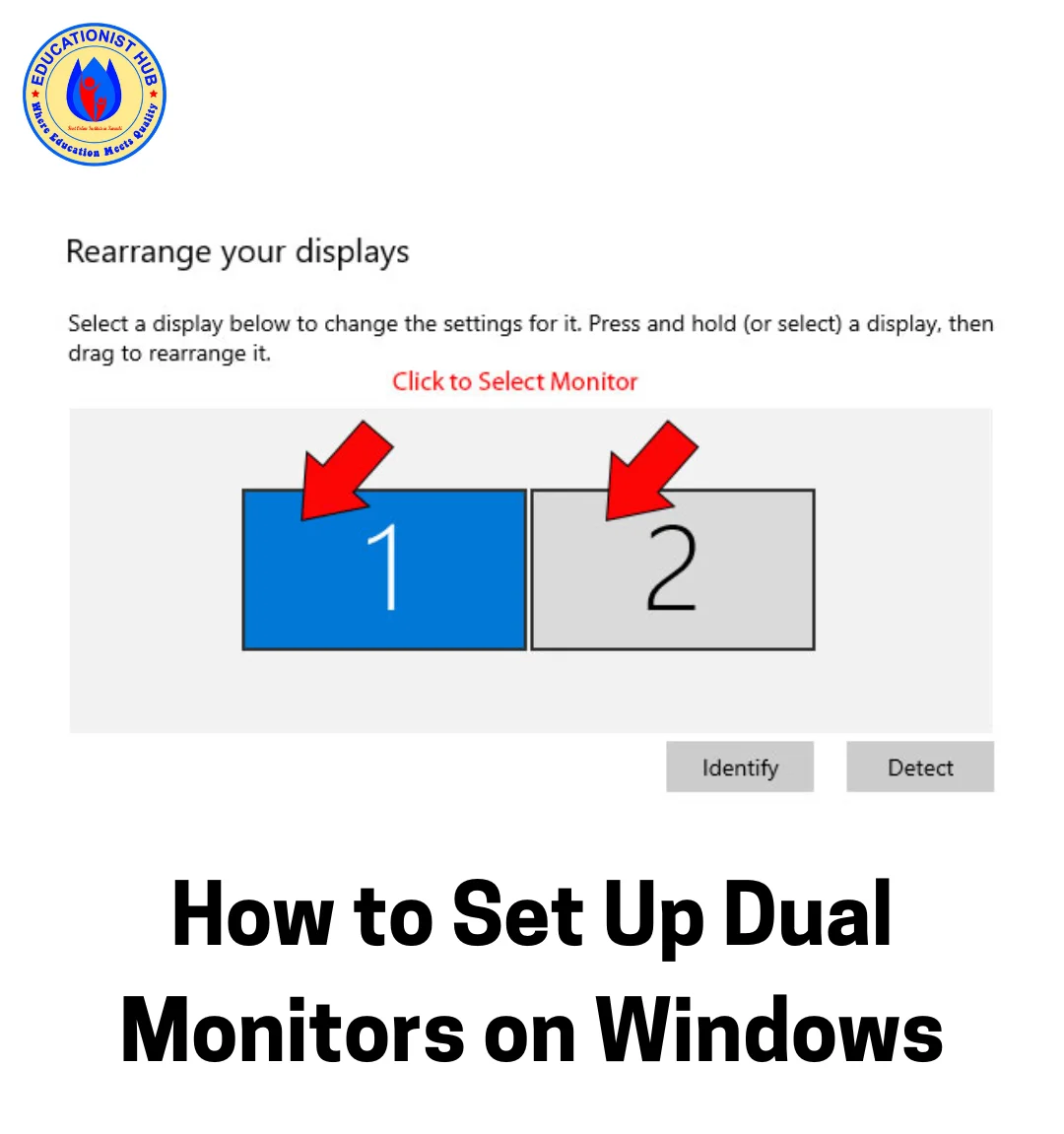
Aspect ratio matters more than you’d think. A 16-inch screen with a 16:10 ratio is noticeably taller than an older 16-inch screen built on 16:9. Same diagonal number, more usable space — which is a big deal if you spend your day coding or scrolling through documents. This taller-screen trend is also why so many people are rethinking their desk setup entirely; if you’re considering adding a second display, it helps to know how to set up dual monitors on Windows 11/10 so both screens actually complement each other.
Pixel density is the other hidden factor. Cram a 4K panel into a compact 14-inch chassis and you get pixel density well north of 300 PPI. That’s fantastic for sharpness, but it also means you’ll likely need to bump up Windows scaling to 150% or so just to keep text readable.
If You Want to Replace A Cracked Screen
If your real objective is swapping out a broken display, the diagonal size alone won’t cut it. You’ll need to partially open the bezel and check the sticker on the back of the original panel for its exact model number — because two laptops with the same 15.6-inch size can use completely different connectors and mounts.
Here’s the Short Tabular Guide
| Diagonal Size | In Centimeters | Common Aspect Ratio |
|---|---|---|
| 13.3″ | 33.7 cm | 16:10 / 16:9 |
| 14.0″ | 35.5 cm | 16:10 |
| 15.6″ | 39.6 cm | 16:9 / 16:10 |
| 16.0″ | 40.6 cm | 16:10 |
| 17.3″ | 43.9 cm | 16:9 |
Final Thoughts
You should measure it physically, confirm it through your system settings, and factor in aspect ratio and pixel density before you buy anything. And if your laptop’s been acting sluggish while you’re at it, you must checkout my laptop upgrade ideas — sometimes a screen size question turns into a good excuse for a broader tune-up. If things get really messy on the software side, a fresh start reset on Windows 11/10 can clear the clutter, and for quick everyday fixes, don’t underestimate Notepad’s built-in help features for jotting down your model numbers and specs before you go shopping.

📰 Meet Our Newest Author: Farhan Ahmed
We are thrilled to welcome Farhan Ahmed, a dynamic addition to our team of seasoned writers at TheEducationistHub.com. Farhan Ahmed is a highly skilled professional with a robust background in the realms of SEO, blogging, and the latest news trends.
🎓 Educational Background: Farhan Ahmed is a proud graduate of Karachi University, holding a Master’s in Business Administration (MBA). This academic foundation has not only equipped Farhan Ahmed with a strategic mindset but has also instilled a deep understanding of business dynamics.
💼 Professional Journey: With an impressive 4 to 5 years of hands-on experience in the field, Farhan Ahmed brings a wealth of expertise to our newsroom. Having navigated the intricacies of SEO and blogging, Farhan Ahmed has honed the art of crafting content that not only engages but also performs exceptionally well in the digital landscape.
📝 Writing Prowess: Farhan Ahmed specializes in distilling complex information into digestible and engaging pieces. Their knack for identifying and covering trending news and updates ensures that our readers stay well-informed on the latest developments across various domains.
🌐 Digital Savvy: In an era where the online landscape is ever-evolving, Farhan Ahmed is well-versed in leveraging digital tools and strategies to maximize the reach and impact of their work. Their proficiency in SEO ensures that our content not only informs but is also easily discoverable by a wider audience.
We are confident that Farhan Ahmed will play a pivotal role in enhancing the quality and relevance of the content we deliver to our readers. Join us in extending a warm welcome to Farhan Ahmed as we look forward to an exciting journey of insightful updates and news coverage.
Stay tuned for the latest from TheEducationistHub.com with Farhan Ahmed on board!



Leave a Reply